
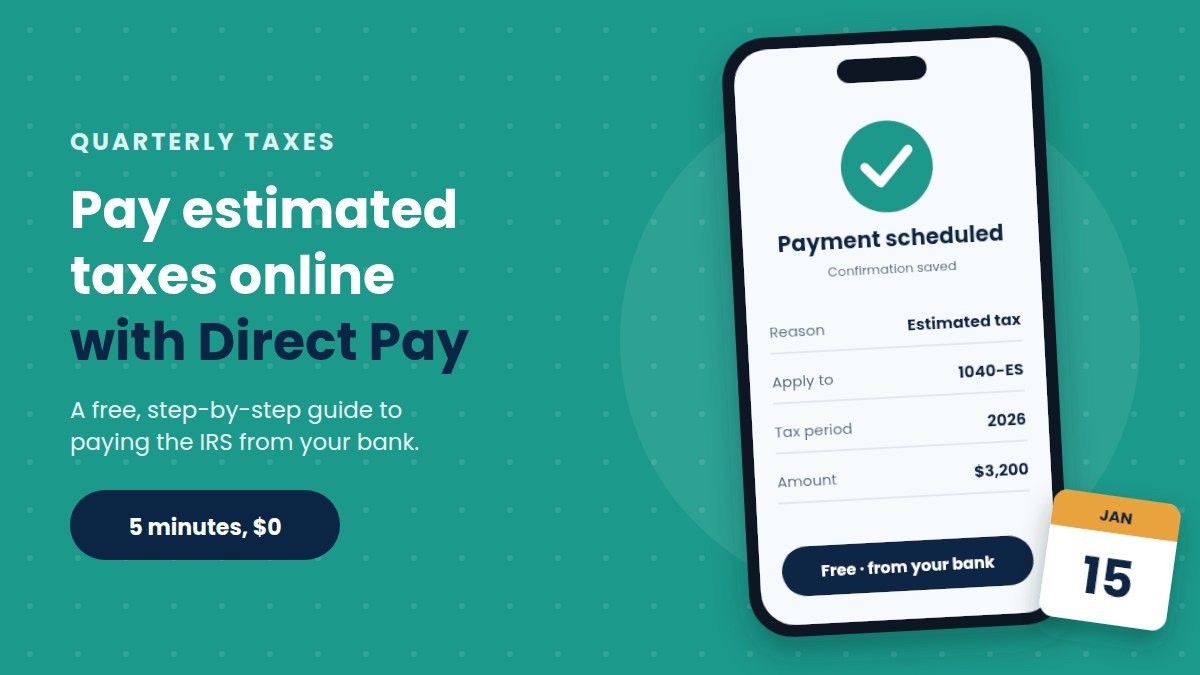
The easiest way to pay estimated taxes online is IRS Direct Pay. It’s free, takes about five minutes and pulls the money straight from your bank account. You don’t need to create an account, and you can schedule a payment up to 365 days ahead.
This guide shows the exact steps, the other online options and the dates to remember. If you’re not sure how much to pay each quarter, start with our guide to quarterly estimated taxes.
What you need before you start
- Your Social Security number (or ITIN) and date of birth.
- A past tax return. Direct Pay checks your identity with the name, address and filing status from a return filed in the last few years.
- Your bank’s routing number and your account number. It must be a U.S. bank account.
- The amount you want to pay.
If you’ve never filed a return or haven’t filed in about six years, Direct Pay can’t verify you. In that case, use one of the other options below.
How to pay estimated taxes online with Direct Pay, step by step
- Open IRS Direct Pay on IRS.gov and choose “Make a Payment.”
- Choose the reason for payment. Pick “Estimated Tax.”
- Apply it to the right form. Select “1040ES” so the IRS credits it as an estimated payment.
- Pick the tax period. Choose the year you’re paying for, such as 2026 for the January 15, 2027, payment.
- Verify your identity. Enter the details from the past return you chose.
- Enter your bank details, the amount and the date. You can pay today or schedule a future date.
- Review, sign electronically and submit. Save the confirmation number, and ask for an email confirmation too.
Step 4 causes the most problems. A January payment usually belongs to the previous tax year, so check the year twice before you submit.
Other ways to pay estimated taxes online
Direct Pay isn’t the only choice. Here’s how the main options compare, based on the IRS list of all IRS payment options:
| Option | Cost | Sign-in needed | Best for |
|---|---|---|---|
| Direct Pay | Free | No | Most freelancers |
| IRS Online Account | Free | Yes, through ID.me | Seeing your balance and every past payment |
| EFTPS | Free | Yes | People who already use it |
| Tax software (electronic funds withdrawal) | Free | No | Scheduling payments when you e-file |
| Debit card | About $2.10 to $2.15 per payment | No | Small payments |
| Credit card | 1.75% to 1.85%, minimum $2.50 | No | Rarely worth it |
A few details matter:
- IRS Online Account shows all the estimated payments you’ve made this year in one place. That’s handy when you file your return.
- EFTPS no longer accepts new individual accounts. If you already have one, you can keep using it for now.
- Card payments for Form 1040-ES are limited to two per quarter. The processor’s fee isn’t paid to the IRS, and it isn’t deductible for most people.
For most freelancers, Direct Pay or the Online Account is the best mix of cost and simplicity.
When to pay: 2026 and 2027 due dates
| Payment | Income it covers | Due date |
|---|---|---|
| 4th payment for 2026 | September 1 to December 31, 2026 | January 15, 2027 |
| 1st payment for 2027 | January 1 to March 31, 2027 | April 15, 2027 |
| 2nd payment for 2027 | April 1 to May 31, 2027 | June 15, 2027 |
| 3rd payment for 2027 | June 1 to August 31, 2027 | September 15, 2027 |
You can skip the January 15 payment if you file your 2026 return by February 1, 2027, and pay the full balance with it. For every date and what to do if one falls on a weekend, see our full list of estimated tax due dates.
If you’re not sure you’ve paid enough, the safe harbor rule tells you the minimum that protects you from an underpayment penalty.
How to check, change or cancel a payment
- Check it: in Direct Pay, choose “Look Up a Payment” and enter your confirmation number. Two business days later, it should also appear in your IRS Online Account.
- Change or cancel it: use the same lookup, up to two business days before the scheduled date.
- Keep a record: save the confirmation email with your tax files. It’s your proof of payment if anything goes wrong.
5 mistakes to avoid when you pay estimated taxes online
- Choosing the wrong tax year. A January payment for 2026 marked as 2027 won’t count toward last year’s taxes.
- Picking the wrong form. Choose “1040ES,” not “1040,” or the IRS may treat it as a payment on a past balance.
- Paying from an account without enough money. A returned payment can lead to a penalty and a missed deadline.
- Waiting until the last day. Schedule each payment a few days early, so a bank or website problem doesn’t make you late.
- Guessing the amount. Use a clear rule for how much to set aside for taxes, so each payment matches what you actually earned.
How much to pay each time: a worked example
Paying online is the easy part. Knowing the amount takes a little more work. Here’s a simple example for a single freelancer with no other income.
| Step | Amount |
|---|---|
| Expected 2026 profit | $60,000 |
| Self-employment tax (15.3% on 92.35% of profit) | About $8,480 |
| Federal income tax, after the standard deduction and the QBI deduction | About $3,560 |
| Total federal tax for the year | About $12,040 |
| Each quarterly payment | About $3,010 |
Your own numbers will differ. For example, a spouse’s wages, state taxes or large deductions all change the result. Our self-employment tax calculator gives you a quick estimate for your own profit.
Set up all four payments at once
Direct Pay lets you schedule a payment up to 365 days ahead. That means you can book the whole year in one sitting. Here’s a simple routine:
- Estimate your year in January. Use last year’s profit as a starting point.
- Schedule each payment a few days early. For instance, pick April 10 for the April 15 deadline.
- Save every confirmation number in one folder or spreadsheet.
- Review your income each quarter. If it jumps or drops, change the next payment before it goes out.
Keep in mind that a scheduled payment still needs money in the account on that day. So move your tax savings into checking a day or two before.
Paying online if you’re married and file jointly
Couples who file a joint return can make joint estimated payments. In Direct Pay, choose “Married filing jointly” as your filing status. Then enter the details of the spouse listed first on your last return, and add your spouse’s information when the form asks.
Also, use the same order of names every quarter. That way, every payment lands on the same account, and none goes missing at tax time.
What to do if you missed a payment
Don’t wait for the next due date. Instead, pay the missed amount online as soon as you can. The underpayment penalty works like interest, so it grows each day the money is late.
For a rough idea of the cost, try our underpayment penalty calculator. In many cases, the penalty for a few weeks is small. Still, it adds up across a whole year.
Where your payments show up when you file
When you file your return, you add up every estimated payment for that tax year. The total goes on the estimated tax payments line of Form 1040. Then it’s subtracted from the tax you owe.
Before you file, compare your own list with your IRS Online Account. If the totals match, you’re ready. If they don’t, find the missing payment first, because a wrong total can delay your refund.
Frequently asked questions
Is IRS Direct Pay safe?
Yes. It’s the IRS’s own official service, it uses a secure connection, and the money goes straight from your bank to the U.S. Treasury. Always reach it by typing IRS.gov yourself, never through a link in an email or text message.
Can I pay estimated taxes online with a credit card?
Yes, through one of the IRS-approved card processors. However, you’ll pay a fee of about 1.75% to 1.85%, and you can only make two card payments per quarter. Unless your card’s rewards are higher than the fee, a bank payment is cheaper.
Can I pay more than once a quarter?
Yes. Many freelancers pay each month, or every time a large client payment arrives. Direct Pay allows up to five payments in any 24-hour period, and they all count as long as they’re made by the due date.
How do I pay state estimated taxes?
Direct Pay is for federal taxes only. Most states have their own free online payment system on their tax department’s website.
This article is for general information only and is not legal, tax or financial advice.